NOTE: It is the Organization’s responsibility to maintain their account Users and Security Roles.
NOTE: In order to edit your Account Information for your Organization, you will need to have Organization Admin as your Security Role. If you are not an Organization Admin, you will not be able to follow along with the instructions below.
Table of Contents
| Applicant Portal |
| Recipient Portal |
Applicant Portal
Step 1: Login to AmpliFund > Account Information tab
Step 2: Click the green Edit button.
Step 3: Update your Organization Information, and click Save & Return.
Recipient Portal
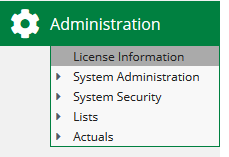
Step 1: Login to AmpliFund > Administration (left navigation) > License Information
Step 2: Click the Pencil Icon (edit) in the top right.
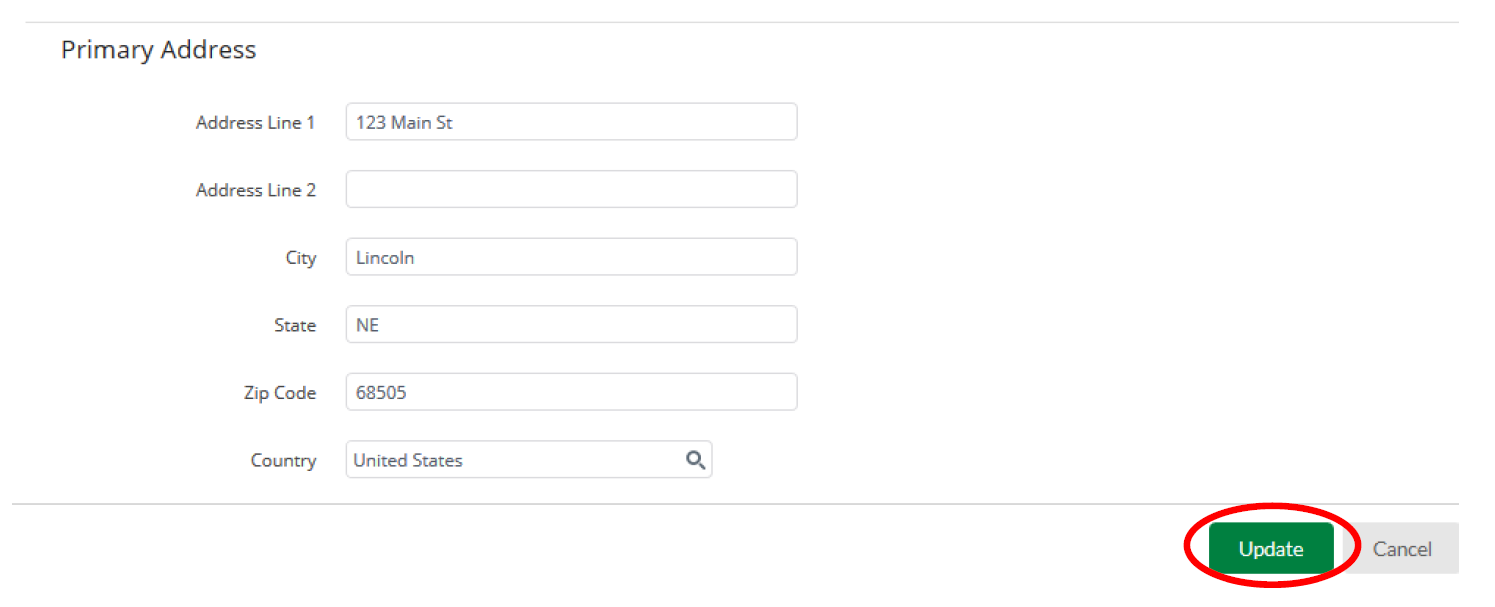
You will be able to edit the information on this page, including: Primary Address, Account Owner, and Organization Information.
Step 3: Click Update when finished.