Email Notifications
To receive email notifications, including upcoming and past due Task reminders, you need to be subscribed to AmpliFund’s daily emails. You will not receive an email if you do not have upcoming or past due tasks.
To verify you are subscribed:
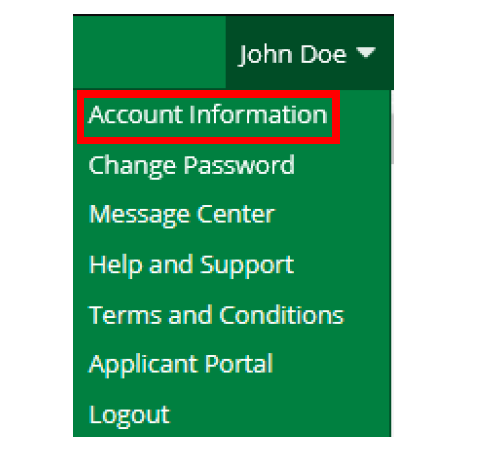
Step 1: Click on your name in the top right corner > Account Information
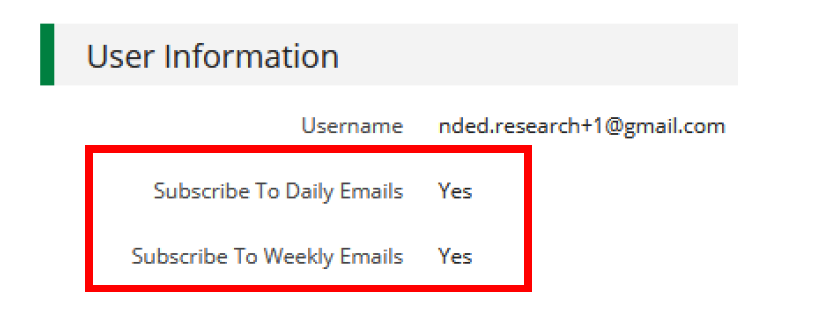
Step 2: In the User Information section, verify Subscribe To Daily Emails is “Yes”.
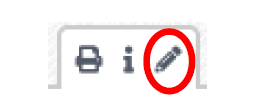
Step 3: If you are not, click the Pencil icon in the top right corner.
Step 4: Select the subscribed emails boxes, and click Save.
Sync Tasks to your Personal Calendar
To add your AmpliFund tasks to your calendar, login into AmpliFund. Verify you are on the home screen with AmpliFund’s calendar.
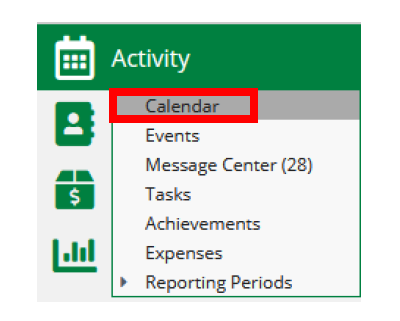
If you are not, click: Activity (left navigation) > Calendar
On AmpliFund’s calendar, click the Subscribe icon in the top right corner.
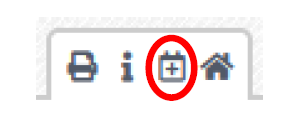
Subscribe Icon
On the popup, Click to Sync Your Calendar or use the WebCal URL to add your AmpliFund calendar to your personal calendar.